
MacBook Battery Replacementin KL & Selangor
From RM270priced by model · same price at all 16 workshops
A MacBook battery is a consumable — most last 3 to 5 years or around 1,000 charge cycles. When it goes, the machine is still perfectly good; it just needs a new cell.
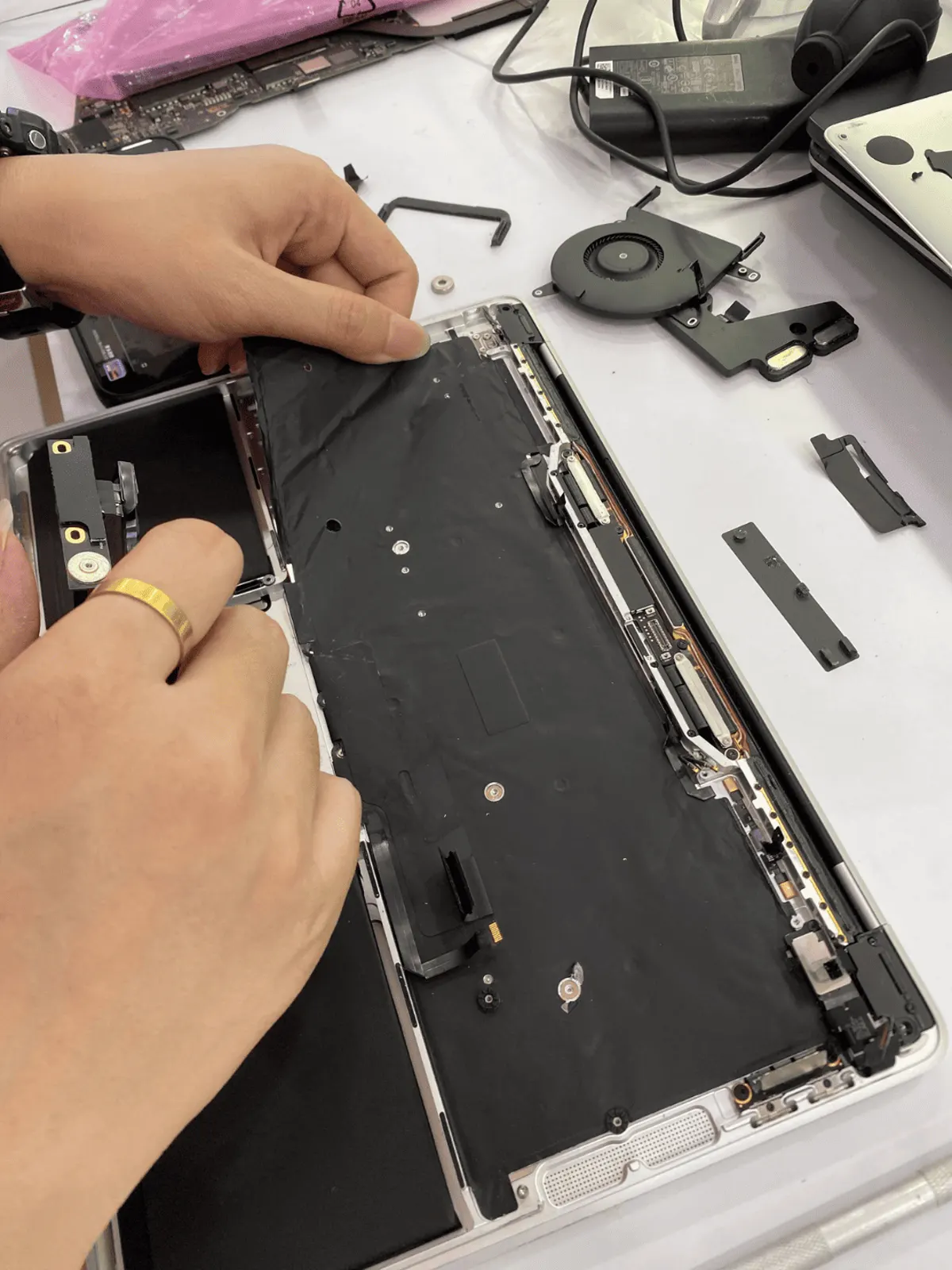
MacBook battery replacement price
Starting price, battery fitted. Find your model number (A-number) on the underside of the MacBook.
| MacBook Pro M4 14" A3112 (2024) | RM690 |
| MacBook Air 13" M3 A3113 (2024) | RM560 |
| MacBook Pro M2 Pro / M2 Max 14" A2779 (2023) | RM690 |
| MacBook Pro M2 Pro / M2 Max 16" A2780 (2023) | RM690 |
| MacBook Air 15" M2 A2941 (2023) | RM620 |
| MacBook Pro M2 13" A2338 (2022) | RM660 |
| MacBook Air 13.6" M2 A2681 (2022) | RM560 |
| MacBook Pro M1 Pro / M1 Max 16" A2485 (2021) | RM690 |
| MacBook Pro M1 Pro / M1 Max 14" A2442 (2021) | RM660 |
| MacBook Air 13" A2179 (2020) | RM560 |
| MacBook Pro 13" A2251 (2020) | RM560 |
| MacBook Pro 13" A2289 (2020) | RM560 |
| MacBook Air M1 13" A2337 (2020) | RM560 |
| MacBook Pro M1 13" A2338 (2020) | RM560 |
| MacBook Pro 15" A1990 (2019) | RM660 |
| MacBook Pro 16" A2141 (2019) | RM660 |
| MacBook Pro 13" A1989 (2019) | RM560 |
| MacBook Pro 13" A2159 (2019) | RM560 |
| MacBook Air 13" A1932 (2018) | RM560 |
| MacBook Pro 13" A1989 (2018) | RM560 |
| MacBook Pro 15" A1990 (2018) | RM560 |
| MacBook 12" A1534 (2017) | RM460 |
| MacBook Pro 13" A1706 (2017) | RM460 |
| MacBook Pro 13" A1708 (2017) | RM460 |
| MacBook Pro 15" A1707 (2017) | RM460 |
| MacBook Air 13" A1466 (2017) | RM270 |
| MacBook Pro 13" A1706 (2016) | RM460 |
| MacBook Pro 13" A1708 (2016) | RM460 |
| MacBook Pro 15" A1707 (2016) | RM460 |
| MacBook 12" A1534 (2016) | RM360 |
| MacBook Pro 13" A1502 (2015) | RM460 |
| MacBook 12" A1534 (2015) | RM360 |
| MacBook Pro 15" A1398 (2015) | RM360 |
| MacBook Air 11" A1465 (2015) | RM270 |
| MacBook Air 11" A1465 (2014) | RM270 |
| MacBook Air 13" A1466 (2014) | RM270 |
Prices checked 13 Nov 2026. The workshop confirms the exact price for your MacBook before any work starts.
5 things customers describe
Dies at 30–40%
The percentage reading stops matching reality. The cell can no longer hold the voltage under load, so macOS cuts out early.
Only runs on the charger
Unplug it and it shuts off immediately. Common on older Pro models and the first thing we see in the bay.
Trackpad feels raised or clicks badly
A swollen cell pushes up on the trackpad from underneath. Stop using it — a swelling battery is the one case where waiting is genuinely risky.
macOS says Service Recommended
Under → System Settings → Battery. It means cycle count or health has crossed Apple's threshold.
Runs hot and the fan never stops
A failing cell makes the system draw oddly, and the fan compensates. Worth checking the battery before assuming a fan problem.
Diagnosis before quote, in this order
- 01
Read the actual battery data
Cycle count, design capacity versus current capacity, and condition. This decides whether the battery is really the problem or just the obvious suspect.
- 02
Rule out the charger and charging circuit
A dead charging IC looks exactly like a dead battery from the outside. We test with a known-good adapter and check the board draws current properly.
- 03
Choose the grade with you
We stock two grades. Premium carries 180 days, standard carries 90 — we tell you which one we are quoting and why.
- 04
Replace and calibrate
Old cell out, new cell in, adhesive renewed, then a full charge cycle so macOS reads the new capacity correctly before you collect it.
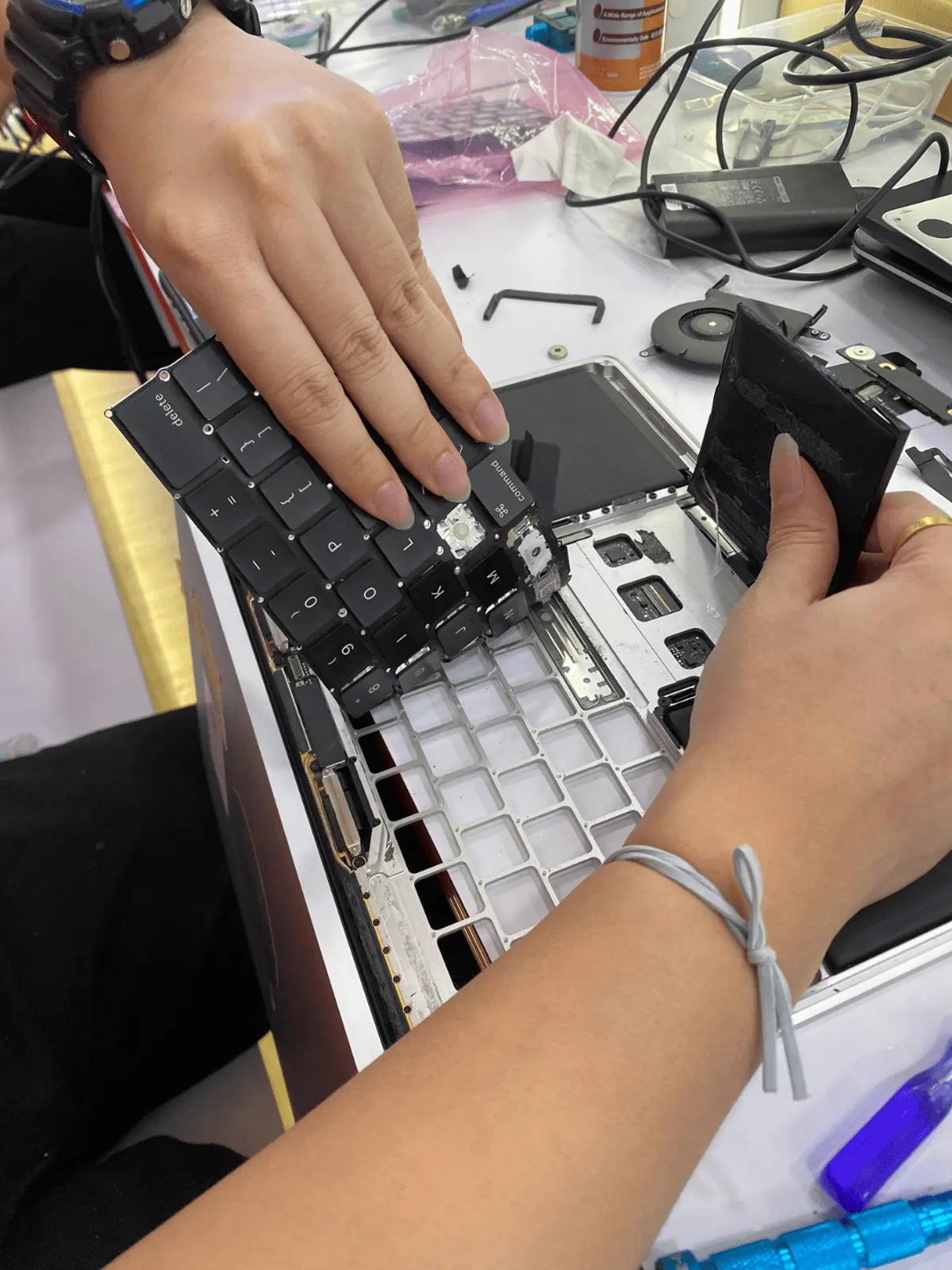
Technician handling the replacement battery before fitting
A battery is the cheapest way to make an old MacBook feel usable again. If yours is the only thing failing, say so on WhatsApp and we will tell you straight whether it is worth doing.
Models we have done this on
Pulled from our repair records since 2025 — matched on the A-number and EMC code, because display assemblies, batteries and boards differ between machines that share the same marketing name.
| Model | EMC | Workshop |
|---|---|---|
| MacBook Pro 13" A2159 | 3301 | IOI City Mall |
| MacBook Pro A1708 | — | Midvalley - Express |
| MacBook Air 13" A1466 | — | Taipan USJ |
| MacBook Air 13" A1466 | 2559 | Taipan USJ |
| MacBook Pro 13" A1706 | 3071 | Taman Segar |
| MacBook Pro 15" A1990 | — | Uptown PJ |
| MacBook Pro 15" A1990 | 3215 | Taman Maluri |
| MacBook 13.6" A2681 | — | Equine Park (Seri Kembangan) |
| MacBook Pro A2251 | — | Uptown PJ |
| MacBook Pro 13" A2251 | 3348 | Mahkota Cheras |
| MacBook Pro 15" A1990 | 3359 | Kepong |
| MacBook A1990 | 3359 | Taman Segar |
Not the full list — if your model is not here, ask on WhatsApp. Our parts catalogue covers 105 Mac models.
What customers ask us
How much is a MacBook battery replacement in Malaysia?+
At SPR it starts from RM270 for older MacBook Air models; Apple silicon models (M1 to M4) start from RM560. Every model's starting price is in the table on this page. Same price at all 16 workshops, confirmed before any work starts.
Will replacing the battery reset my data?+
No. A battery swap does not touch the SSD. That said, we always tell customers to have a backup before any repair — that is just sensible, not a warning about this job.
Is a swollen battery dangerous?+
It can be. A swollen lithium cell under pressure is the one MacBook fault we ask you not to keep using. Power it off, unplug it, and bring it in.
Do you use genuine Apple batteries?+
We stock more than one grade and tell you exactly which one your quote covers, along with the warranty that comes with it. We do not describe a part as something it isn't.
My MacBook is 8 years old — is it worth it?+
Often yes, if everything else works. We will tell you honestly if the machine has other problems that make a new battery a bad investment.
16,947 Google reviews
across 14 workshops
Excellent service! I dropped my phone in water and the screen went completely black. I honestly thought it was ruined for good. The team here quickly diagnosed the issue, and cleaned out the water perfectly. My phone works good as new.
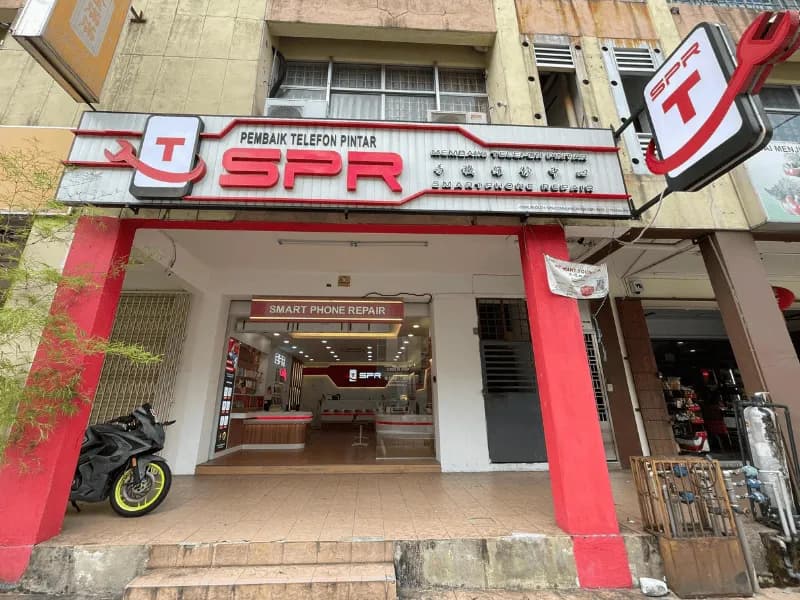
16 shopfronts across KL & Selangor




Send us the model and what happened
The A-number is printed on the underside of the machine. With that and a short description we can usually tell you what it is before you come in. Diagnosis is free.
Get a free quote